

Key Takeaways
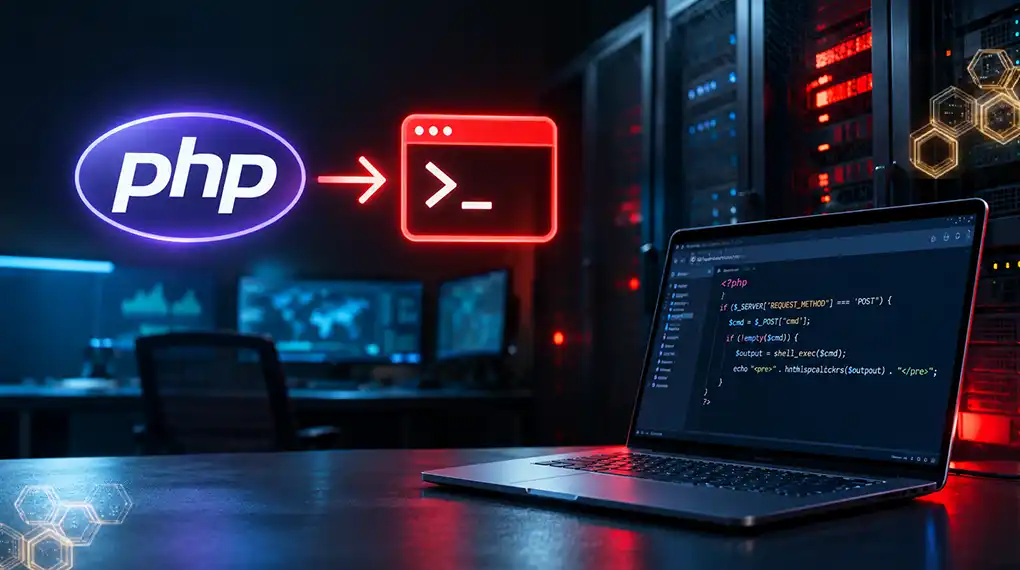
- The WordPress PHP vulnerability, PHP2Shell, is a flaw in PHP, not in WordPress core.
- WordPress.org says no WordPress update is required or planned for PHP2Shell.
- A fully updated WordPress site on unpatched PHP is still exposed.
- WordPress.com, SiteGround, and WP Engine say their customers don’t need to take action.
- Self-hosted WordPress sites on a VPS or cloud server must update PHP themselves.
- Site Health shows your PHP version but may not flag an unpatched PHP build.
- Security plugins cannot fix PHP2Shell because they run inside PHP.
- Roughly a quarter of WordPress sites run PHP 7.4 or 8.1, which have no official fix.
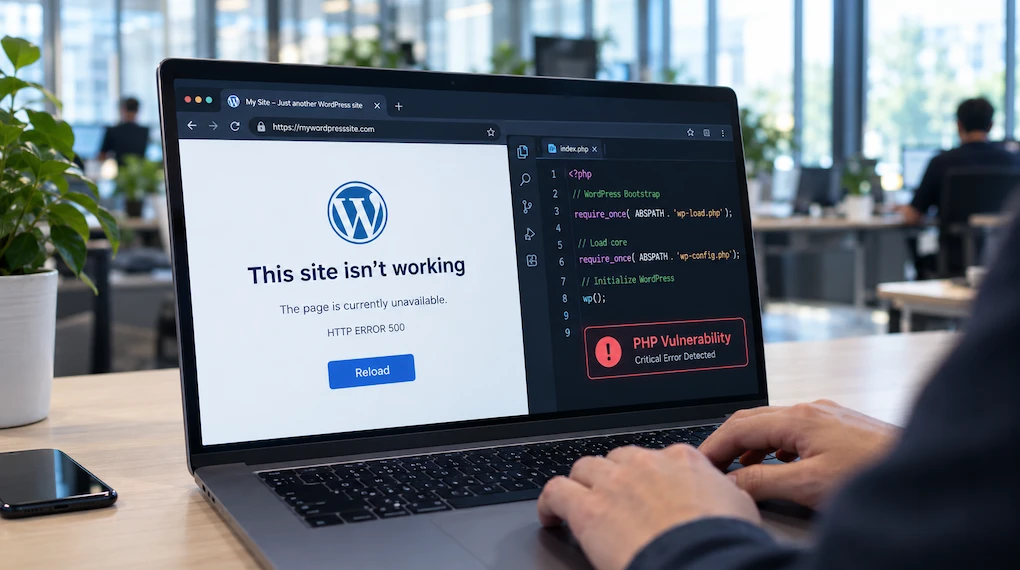
The WordPress PHP vulnerability known as PHP2Shell can affect your site, even if WordPress is fully up to date. The flaw lies in PHP, the engine that runs WordPress, so only a PHP update can fix it.
Whether you need to act depends on who runs your server. This guide covers managed hosts versus self-hosted sites, how to check your PHP version, and what to ask your host.
Is Your WordPress Site Affected by the PHP Vulnerability?
Your WordPress site is affected if its PHP build does not include the fix released on October 21, 2026. This isn’t a WordPress vulnerability per se; PHP2Shell lives in PHP, which every WordPress site needs to run. Sites on managed hosts are likely patched already, but self-hosted sites need a PHP update from whoever runs the server.
PHP2Shell refers to two critical PHP flaws, CVE-2026-109618 and CVE-2026-109619. Both carry a severity score of 9.2 and require no login to exploit. Our guide to the PHP vulnerability explains the flaws in full.
The fix ships in PHP 8.5.12, 8.4.27, 8.3.36, and 8.2.35, per PHP’s security advisory. WordPress.org’s security notice confirms no WordPress update is required or planned.
Why Does a PHP Flaw Affect WordPress Sites?
A PHP flaw affects WordPress because WordPress is a PHP application. PHP receives every page view, login, and checkout request before WordPress code runs. PHP2Shell strikes at that earlier layer. An attacker can exploit PHP2Shell on a WordPress site without touching WordPress code, plugins, or the login screen.
Wiz Research showed code execution before login on a default WordPress install. Code execution gives an attacker the same reach as a malicious plugin. The attacker can read wp-config.php, which holds the database password, and create admin accounts.
On a WooCommerce store, this same access can reach customer logins and payment gateway keys.
Are WordPress.com, WP Engine, and SiteGround Sites Safe?
WordPress.com, WP Engine, and SiteGround each say their customers don’t need to do anything to address the PHP2Shell vulnerability. These managed hosts control PHP for you, so the fix happens on their side. Each host’s wording differs, though. Some say “protected,” and some say “patched.” Read your host’s statement carefully before assuming your site is fixed.
Some hosts split the job. GoDaddy and Hostinger patched shared plans but leave VPS customers to update PHP themselves.
What Is the Difference Between “Protected” and “Patched”?
“Protected” usually means the host added a firewall rule or other defense in front of PHP. “Patched” means the fixed PHP build is installed and running. Protection buys time, while a patch removes the flaw. Automattic’s statement says sites are protected but does not describe the PHP build. Ask your host which one applies.
PHP’s own advisory says temporary measures reduce exposure but do not make an installation safe. A firewall rule is one such measure.
For most WordPress.com users, Automattic’s assurance is enough. For business-critical sites on other hosts, ask for the word “patched” in writing.
What If Your WordPress Site Is Self-Hosted?
A self-hosted WordPress site needs a PHP update from you or your IT team. Self-hosted means a VPS, cloud server, or container you manage. Install the fixed PHP packages from your operating system vendor or the official image. Then restart PHP-FPM or Apache so the fix loads. Until then, the site stays exposed, however current WordPress is.
WordPress.org advises self-managed servers on old PHP to consider going offline while they upgrade. CISA gives the same advice for PHP 8.1 and older.
Self-hosted teams need to watch out for two traps that are easy to miss:
- The command-line PHP version can differ from the version your web server runs. Make sure to patch both.
- PHP workers keep old code in memory. Restart after patching to purge the old code.
How Do You Check the PHP Version in WordPress?
To check the PHP version in WordPress, open your dashboard and go to Tools, then Site Health, then Info. Expand the Server section and read the PHP version line. Compare it with the fixed releases: 8.5.12, 8.4.27, 8.3.36, or 8.2.35. Any earlier versions need to be patched.
Version numbers can be misleading. Hostinger and GoDaddy both note that a patched build may keep its old version number. Both point to a build date of October 21, 2026, or later as proof of the fix.
Site Health has a second limit. Its PHP verdict comes from a WordPress.org service that rates versions, not builds. So Site Health may call an unpatched build secure. Treat the build number as a starting point.
The older group is large. WordPress.org’s usage statistics show PHP 7.4 on about 15.5% of WordPress sites and PHP 8.1 on about 10%.
Why Don’t WordPress Security Plugins Fix PHP2Shell?
WordPress security plugins cannot fix PHP2Shell because they run inside PHP. A plugin loads only after PHP has started handling the request. PHP2Shell can fire before any plugin loads, especially on Apache with mod_php. No plugin can replace or repair the PHP engine underneath it. Only a PHP update closes the flaw.
Cloudflare states that updating website code or plugins alone does not fix PHP2Shell. Be wary of any plugin or code snippet that claims to patch PHP2Shell. Unverified fixes can break your site and give false confidence.
Security plugins still have a role after patching. A good plugin can flag new admin accounts, changed files, and unknown plugins. These signs can reveal an attack that happened before you patched.
What Should You Ask Your WordPress Host?
Ask your WordPress host whether the October 21 PHP fix is installed and what evidence they have. Also ask whether PHP was restarted and whether your site showed suspicious activity. Request the answers in writing. If the reply says “protected” but not “patched,” ask again. A host that cannot answer clearly should be treated as unpatched.
Send these questions through your host’s support ticket or chat:
- Is the October 21, 2026, PHP security release, or a backport for both CVEs, installed for my site’s PHP version?
- What build date or package version shows the fix is in place?
- Were my site’s PHP workers restarted after the update?
- If my site runs PHP 8.1 or older, can you move it to PHP 8.3 or newer?
- Have you seen suspicious requests or file changes on my account since October 17, 2026?
October 17 matters because Amazon Threat Intelligence saw the first exploit attempt that day.
What Should You Do If Your WordPress Site Runs PHP 8.1 or Earlier?
If your WordPress site runs PHP 8.1 or earlier, upgrade it to PHP 8.3 or later. PHP has released no official fix for these versions. A host backport can bridge the gap, but only an upgrade puts the site on a supported PHP version. WordPress itself recommends PHP 8.3 or greater. Test the upgrade before switching production.
Older plugins and themes can break on newer PHP. WordPress.org’s PHP update guide recommends this order:
- Back up your files and database.
- Update WordPress, themes, and plugins.
- Run a PHP compatibility check on your plugins and theme.
- Switch PHP on a staging copy and test forms, logins, and checkout.
- Switch production during a quiet hour, with a fresh backup.
Skip PHP 8.2 if you can. PHP’s supported versions page lists its security support ending on December 31, 2026.
How Can Taazaa Help With the WordPress PHP Vulnerability?
Taazaa helps WordPress teams confirm their PHP status and fix what a host patch cannot. For sites on managed hosts, the job is often a written confirmation. For self-hosted sites or older PHP, the job is harder. Upgrading PHP can break custom plugins, themes, and checkout code built for older versions.
Taazaa’s engineers can review every WordPress site you run within 48 hours. The review checks PHP builds, looks for signs of intrusion since October 17, and ends with a ranked fix plan. If a site is too old to upgrade safely, Taazaa works with your team to update or rebuild it.
Start with a quick look at where you stand. Check your domain free.
FAQs
Does updating WordPress fix the PHP vulnerability?
Updating WordPress does not fix PHP2Shell because the flaw sits in PHP, which runs beneath WordPress. WordPress.org says no WordPress update is required or planned. The fix is a PHP update on the server. Your host or server team must install it and restart PHP.
Is my WordPress.com site affected by PHP2Shell?
No action is needed for WordPress.com sites. Automattic says all sites on WordPress.com, WordPress VIP, and Pressable are already protected against PHP2Shell. Automattic manages PHP for these sites at the infrastructure level. Self-hosted WordPress.org sites are different and need a PHP update from whoever runs the server.
How do I know if my WordPress host patched PHP2Shell?
Check your host’s status page or blog first. Then check the PHP version under Tools, Site Health, Info, Server. Because patched builds can keep old version numbers, ask your host for the build date. A build dated October 21, 2026, or later usually includes the fix.
Can a WordPress security plugin protect my site from PHP2Shell?
No. A WordPress security plugin cannot fix PHP2Shell because the plugin runs inside of PHP. PHP2Shell can fire before any plugin loads. A security plugin can still help after patching. It can flag new admin accounts, changed files, or unknown plugins that suggest an earlier attack.
What PHP version should my WordPress site use?
Your WordPress site should use PHP 8.3 or newer, which WordPress recommends. For PHP2Shell, the minimum fixed releases are 8.5.12, 8.4.27, 8.3.36, and 8.2.35. PHP 8.1 and older have no official fix. Test any PHP upgrade on a staging site before switching production.